Introduction
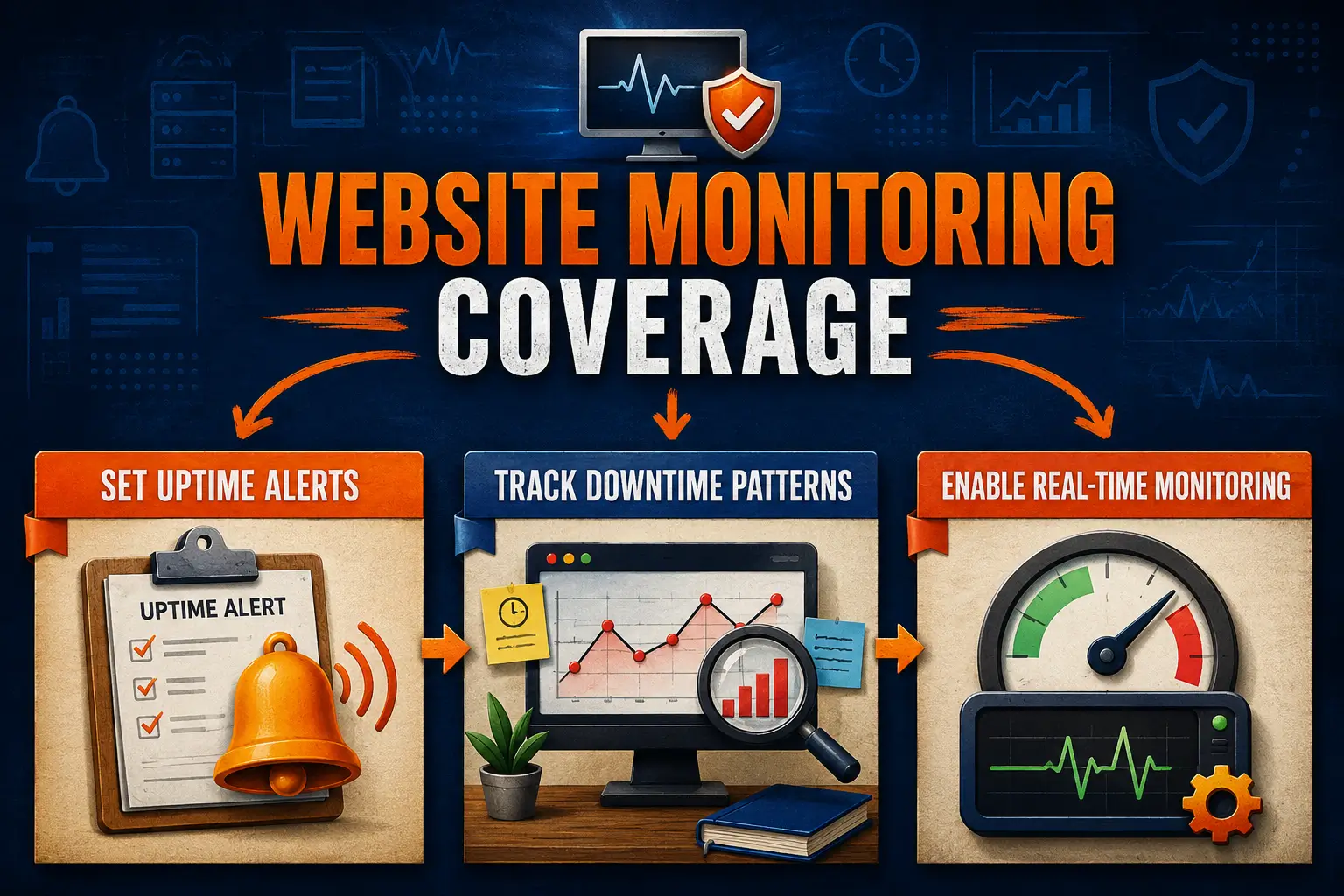
Your website can go down without warning. This is why you need website monitoring services to monitor your site 24/7. They check if it’s online, how fast it loads, and help you fix any issues before anyone notices anything.
With reliable website monitoring services, you fix issues fast and keep your website running smoothly. Let’s start by setting up a website uptime checker. It’s one of the best ways to keep your site safe and working every day.
Use a Website Uptime Checker to Spot Outages Early
Website monitoring services help you determine if your site is functioning correctly. If your site goes down, even for a few minutes, it can hurt your business. That’s why one of the first tools to use is an uptime checker, which checks your website every few minutes.
Using a website uptime checker means you’ll receive alerts immediately, often before your visitors even notice. Most website monitoring services include this feature, and it’s easy to set up. You don’t need to watch your site all day.
These tools also track your traffic. With website traffic monitoring, you can identify significant changes that may signal a problem, such as a hack or a system failure.
If people can’t reach your website, they may leave and never return—quick action matters here. Next, we’ll explore how a website downtime tracker can help you act even faster.
Set Up a Website Downtime Tracker for Rapid Response
A downtime tracker helps you see when and how often your site goes offline. It records every incident, allowing you to find patterns and identify the cause. This tool is a key part of website monitoring services and setup.
Most downtime trackers also send alerts right away. They are helpful because you don’t need to check your site all day. If something breaks, the system will notify you within minutes. You’ll see what happened, when, and how long.
Using a website downtime tracker speeds up your response time. It also provides additional information through regular site health check reports. This allows you to identify if specific pages or features are consistently failing.
Fixing problems early ensures your site runs smoothly. The faster you act, the less you lose. In the next section, we’ll explain how real time monitoring tools can catch issues before they worsen or spread further.
Why Real Time Monitoring Helps Avoid Bigger Problems
Real time monitoring checks your website every second. It examines how your server is performing, how much memory it’s using, and whether traffic is consistent. This helps catch problems early before they become serious.
Most website monitoring services come with real time tracking. They send alerts when something goes wrong, such as a page loading too slowly or traffic increasing too rapidly. You don’t have to wait for users to complain.
This setup also helps you monitor site performance. It shows what’s working and what’s not. Additionally, it supports web server monitoring, allowing you to see when the server becomes too busy or starts slowing down.
With timely monitoring, you stay ahead. It provides a comprehensive view of your site. You can resolve issues quickly and prevent downtime on your site. Next, let’s examine what to look for when selecting monitoring services to achieve the best results.
Key Features to Look for in a Reliable Website Monitoring Service
Not all website monitoring services are the same. Some only check if your site is up or down (like a website downtime tracker). Others track everything—such as speed, CPU load, DNS issues, and even the source of users.
Look for website monitoring services that also include real time monitoring. This allows you to address problems as soon as they occur. The best platforms also bundle website monitoring software. They provide additional tools such as alerts, charts, and reports.
A smart tool shows you patterns in traffic and alerts you when something’s wrong. It saves you from switching between too many apps. With one dashboard, you can view all the information you need to keep your site running smoothly.
Simple tools don’t offer complete protection. Smart ones do. Select a monitoring service that offers real-time checks, add-ons, and fast alerts. These allow you to respond quickly. Next, we’ll demonstrate how using these tools together provides comprehensive, 24/7 protection.
Combine Tools and Automation for Full Visibility

To protect your site, use multiple tools. Monitoring services, combined with various tools such as uptime checkers, downtime trackers, and alerts, keep you informed if something goes wrong.
Some services offer helpful extras. They may send alerts by email or text. Many include a website downtime tracker and a website uptime checker. Some free website monitoring tools also offer these features, which are great for small websites.
By combining tools, you reduce blind spots. You also make it easier to act fast when something breaks. Your phone or email receives alerts the moment something goes wrong, day or night.
A smart setup keeps your site safe. You’ll catch problems early and fix them fast. That’s the power of website monitoring services. Now, let’s finish up by looking at why each layer of monitoring adds to your peace of mind.
Frequently Asked Questions
What is a site health check, and how often should I run one?
It reviews speed, performance, and errors. Run one every week or right after updates. Routine checks prevent minor problems from hurting users and search results.
How do I monitor site performance without slowing it down?
Choose light tools that work quietly in the background. They track speed, traffic, and errors without slowing visitors. Pick options built for efficiency.
Which website monitoring software works best for WordPress?
Popular choices include Jetpack, UptimeRobot, and ManageWP. They are easy to install and send alerts in case of issues affecting your WordPress site performance.
Can I get free website monitoring that includes alerts?
Yes. Free tools like UptimeRobot can help. They check your site every few minutes and send an alert if an issue arises. Perfect for small websites.
What does web server monitoring involve, and why is it important?
It examines how your server is performing—checking memory, speed, and health. This helps your site stay online and fixes problems before they cause crashes.
Does website traffic monitoring help with security and SEO?
Yes. It detects spikes, bots, or slowdowns. These signs often indicate issues such as spam attacks or poor optimization. Early detection improves user experience and SEO.
Conclusion
Website monitoring services spot problems early. They keep your site up, reduce downtime, and give you peace of mind. With the right tools, visitors can trust your site.
A website uptime checker sends alerts the moment your site goes down. This helps you act fast. Be prepared. Avoid shocks. Let smart tools work behind the scenes to keep your site safe every day.
Protect Your Website with the Right Website Monitoring Services
Use our website monitoring services at The Strategic Tech. These include alerts, health checks, and real time monitoring. Fix problems fast, keep your site up and running, and save yourself the stress today. Click here to find out more.