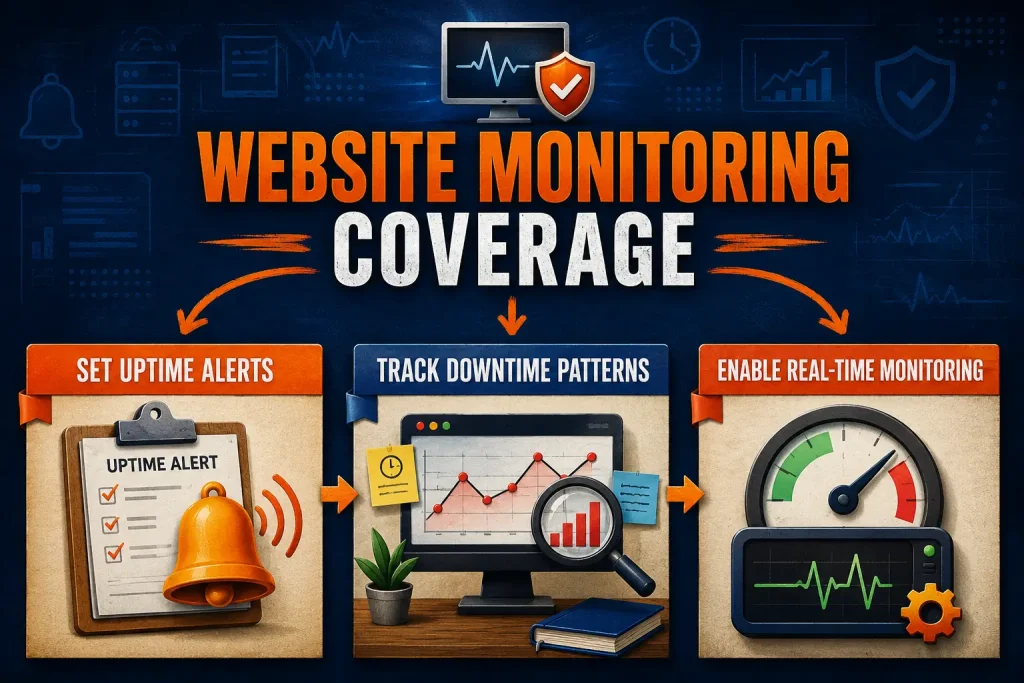
This quick implementation guide gives you the fastest steps to apply the lessons from the full article. Use the three actions below to make immediate progress today.
Step 1 — Set Uptime Alerts
What to do
Set up a website uptime checker that pings your site every few minutes and sends instant alerts.
Why it matters
You learn about outages before visitors do, so you protect trust, sales, and search visibility with fast fixes each time.
How to apply it today
Pick one monitoring tool, add your home page URL, and choose email and text alerts. Run a test outage alert, then save contacts for who must respond when it triggers.
Step 2 — Track Downtime Patterns
What to do
Install a website downtime tracker that logs every outage, records duration, and shows what failed clearly for you.
Why it matters
Downtime logs reveal patterns, help your team find root causes, and cut repeat failures that drain revenue over time.
How to apply it today
Turn on tracking for your pages and checkout, then set alerts for any outage over two minutes. Review the weekly report, mark the top cause, and assign one fix owner.
Step 3 — Enable Real-Time Monitoring
What to do
Enable real-time monitoring to watch speed, server load, and traffic shifts, with alerts for slow pages.
Why it matters
It catches small performance drops early, so you prevent bigger crashes, keep users happy, and avoid complaints across devices.
How to apply it today
Set alert thresholds for load time and server spikes, then connect alerts to email or SMS. Check one dashboard each morning, and fix the first slow page you see.
Check One Result After Implementation
Check whether uptime alerts are active, downtime records are being logged, and real-time alert thresholds are in place, then record the current status once.
Review again after a reasonable period and note whether the alerts and records remain current and complete.