Introduction
Website performance monitoring helps you keep your site quick and running well. It enables you to track how your pages load, how people move around, and spots where problems might slow things down. Whether you run a blog or a shop, this process is vital for success online.
By tracking website performance metrics, you obtain straightforward numbers that indicate how your site is performing. These include page speed, uptime, and user activity. With this information, you can quickly resolve issues and keep your site running smoothly.
In this guide, you’ll learn how to monitor your site the smart way. We’ll cover the tools, tips, and steps you need to take. From site speed optimization to building reports, you will get everything you need to boost performance and grow your site online.
Understanding Website Performance Monitoring

Website performance monitoring involves continuously monitoring how your site functions. It checks factors such as loading speed, downtime, and how users navigate through your pages. The goal is to catch problems early and keep your site running well.
Anyone having a website should implement site performance monitoring. It helps you see what works and what doesn’t. If a page loads too slowly or crashes, you’ll know right away and can fix it fast. This enhances your site’s user experience for visitors and helps you avoid losing traffic.
The performance also affects search engine rankings. A fast, working site is more likely to show up higher in search results. This is why good performance plays a significant role in SEO.
To dig deeper, you can use an SEO website analysis report. These reports show what is working and what needs improvement. They are easy to read and very useful. When you mix regular monitoring with an SEO website analysis report, your site can grow stronger every month.
Key Website Performance Metrics to Track

To improve your site, you need to track the right numbers. These are called website performance metrics. They show how your website loads, how it behaves, and how users respond. Keeping an eye on these helps you fix issues fast.
Some standard metrics include page load time, bounce rate, uptime, and error rates. These numbers indicate whether visitors are satisfied or if there are issues. Effective tracking helps your site function more efficiently and improve search engine rankings.
Website performance monitoring tools collect this data for you. You can check the results daily or every week. This makes it easier to catch slow pages, broken links, or poor user flow. Once you know what’s wrong, you can plan how to fix it.
Using website performance monitoring provides a comprehensive view of how your site functions. It helps you understand what to improve and when to act. With the right tools and habits, your site will continue to improve.
Using Site Speed Optimization for Better Performance

Fast websites help people stay longer and enjoy their visit. That’s why site speed optimization is so important. If a page loads too slowly, visitors may leave before they can see what you offer. That can harm your business and negatively impact your search rankings.
Speed optimization involves addressing issues that slow down your site. This could be large images, extra code, or too many plugins. Even small changes can significantly improve your website’s speed. Tools like Google PageSpeed show what needs to change.
Website performance monitoring helps you see how quickly your site loads and how its performance changes over time. It shows whether your updates are effective or if new issues arise. Regularly using website performance monitoring keeps your site in good shape.
Start by using tools that check my website speed and overall performance. They give you scores and advice that are easy to follow. Make it a habit to check and improve your speed regularly. A fast website is beneficial for users, search engines, and your overall goals.
How to Create an SEO Website Analysis Report

An SEO website analysis report reveals how your website performs and identifies areas for improvement. It’s a simple way to track speed, traffic, errors, and other key areas. Anyone can create one using free and easy tools.
To get started, utilize tools such as Google Analytics and Google Search Console. These metrics show how users find your site, which pages receive the most clicks, and where potential problems exist. Many of these tools offer free site traffic analysis.
Next, compile your results into a concise report that outlines key issues, highlights areas of success, and identifies areas that require improvement. Charts and notes can help you understand changes over time.
Website performance monitoring enhances this process. It gives you real-time data to include in your report. You can track changes weekly or monthly to see how the updates help.
Keep your SEO website analysis report up to date regularly. Share it with your team or clients to guide your goals. The more you track, the better your site becomes with the help of website performance monitoring.
Top Website Analytics Tools for Monitoring

Using the right tools helps you track and improve your website. Many top website analytics tools provide insights into how your site performs. These tools provide you with data on visits, clicks, loading speed, and more.
Some of the very best options include Google Analytics, Matomo, and Clicky. These platforms are easy to use and give clear insights. You can see where your visitors come from, what they do, and how long they stay on your site.
A strong tool also helps with your SEO website analysis report. It shows what’s working and what needs to change. You can use the data to optimize slow pages, enhance content, or improve user flow. This makes planning updates faster and easier.
Website performance monitoring works more effectively with tools that update in real time. The more you check, the quicker you can act. Top website analytics tools help you stay on track and improve results. They are a smart part of every SEO website analysis report.
How to Check My Website Speed Efficiently
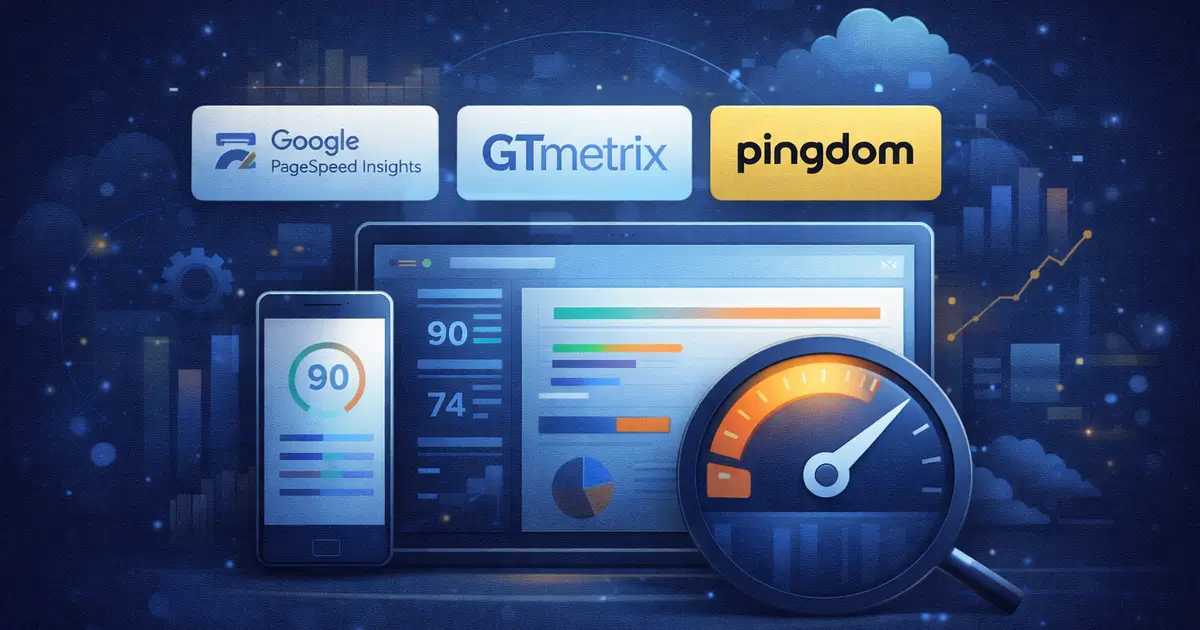
Checking how fast a site loads is key to better results. Many users leave if a page takes too long to load. That’s why it’s essential for me to check my website speed regularly. Fast sites enhance SEO, improve user experience, and drive higher sales.
I check my website speed using free tools like Google PageSpeed Insights, GTmetrix, or Pingdom. These tools show how quickly my site loads on both desktop and mobile devices. They also provide tips to resolve speed issues.
The results you get link directly to site speed optimization. These tools highlight large images, excessive code, or slow scripts that can slow down your pages. Fixing these issues helps your pages load faster and keeps visitors happy. You can also apply site speed optimization strategies across all your pages for lasting results.
Website performance monitoring with speed tools gives you a full picture. You can track progress and notice new problems as time goes on. Add speed checks to your weekly tasks. With steady habits and the right tools, your site stays fast and trusted.
Interpreting Site Performance Metrics Correctly

Site performance metrics help you understand how each part of your website works. These numbers show page speed, loading time, and errors. When something goes wrong, they point you to the problem.
Key performance metrics to monitor include bounce rate, time on page, and first input delay. They show how visitors interact with your site and where they drop off. If users exit quickly, you may need to fix that page.
Website performance metrics provide a broader perspective. They tell you how your entire site is doing, not just one page. Analyzing website performance metrics helps you improve more quickly.
Website performance monitoring tools collect these numbers for you. You can review reports every week. The reports are easy to read and help you spot problems early.
Use website performance monitoring to catch slow pages and errors. Watch your website performance metrics closely. When you understand your numbers, it’s easier to keep your site fast and working well for your visitors.
How to Easily Find Competitors Website Traffic

To grow your site, it helps to know what others in your space are doing. You can find competitors website traffic to see how much attention they get and where their visitors come from. This provides you with innovative ideas to enhance your own site.
Start by using free tools like SimilarWeb, Ubersuggest, or Semrush. These platforms show the number of visits, top pages, and traffic sources. You’ll see which keywords your competitors rank for and what content works best for them.
Once you find a competitors website traffic, look for trends. Are they getting more visitors from search, social media, or paid ads? Use that data to shape your own plan and try new ways to bring people to your site.
Website performance monitoring gives context to what you learn. You can use it to track how your changes affect traffic. With strong website performance monitoring and thoughtful planning, you’ll grow faster and stay ahead of the competition. Watching others helps you improve your results over time.
Getting the Most from Site Traffic Analysis Free Tools

If you want to understand your website better, use site traffic analysis free tools. These tools show how many people visit your website, where they come from, and what pages they like most. The best part? Many of these tools are easy to use and cost you nothing.
Google Analytics is a leading site traffic analysis free tool for tracking website performance. Others include Statcounter and Open Web Analytics. These platforms help you see trends in visitor numbers and actions. You can also check which devices and browsers people use to visit your site.
The reports you get often include website performance metrics. They display bounce rates, visit times, and additional metrics. These metrics indicate how your site is performing overall. Some tools also suggest steps for site speed optimization, such as shrinking images or removing unnecessary scripts.
Website performance monitoring works well with these tools. You can combine site traffic analysis tools with website performance metrics and site speed optimization to get a full view. Together, they help you see what is working well and what needs fixing.
Best Practices for Site Performance Monitoring

Site performance monitoring helps you keep your website running fast and smoothly. It tracks key details like speed, uptime, and errors. Following best practices enables you to maximize the effectiveness of your efforts.
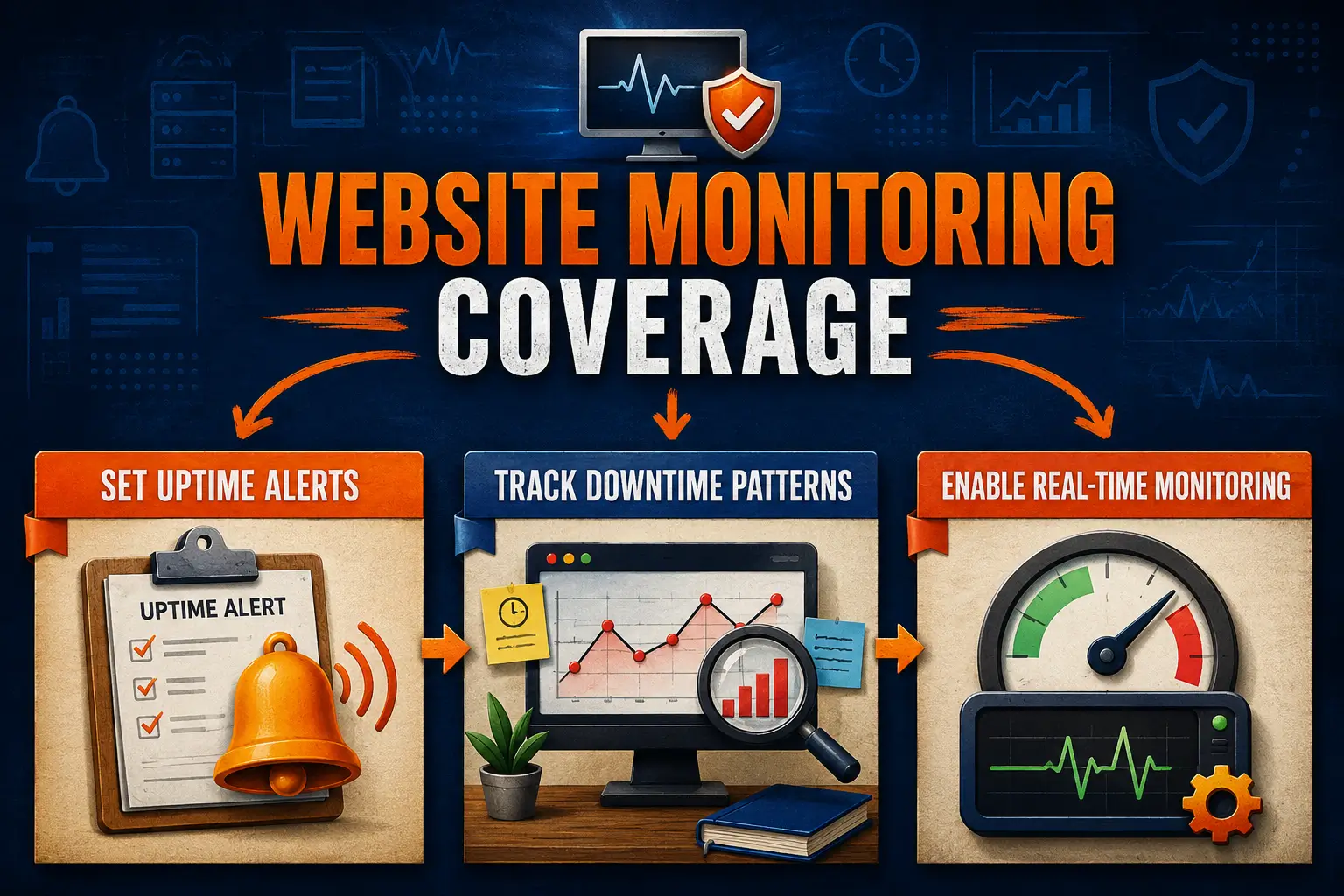
Begin by establishing a schedule for regular checks. Weekly or monthly performance monitoring helps you catch problems early. Utilize tools that provide real-time updates and send alerts when issues arise.
Use website performance monitoring to track load times and response speed. When things slow down, look into site speed optimization. Compress images, remove extra plugins, and clean up your code. These simple fixes can speed up your site right away.
Also, log issues and review trends. Keeping notes helps you see what worked in the past. With regular performance monitoring, you can set benchmarks and goals.
Good monitoring combines smart habits with the right tools. Use both website performance monitoring and site speed optimization to stay ahead. By following these basic steps, your website will remain fast, stable, and ready for every visitor.
Frequently Asked Questions
What are the best top website analytics tools for small sites?
Small sites can benefit from free or low-cost tools like Google Analytics, Matomo, Clicky, and Microsoft Clarity. These tools track traffic, user behavior, and speed while offering easy setup and clear insights.
How do I check my website speed on mobile and desktop?
Use tools like Google PageSpeed Insights, GTmetrix, and Pingdom to test your website’s speed on both mobile and desktop devices. They provide precise results and tips to help improve page performance.
What are the essential site performance metrics to track monthly?
Track numbers like page load time, bounce rate, and time on site. These metrics indicate how your visitors interact with your website, thus helping you identify areas for improvement.
What are simple ways to find competitors website traffic using free tools?
Utilize tools like Similarweb and Ubersuggest to identify competitors’ website traffic, compare visitor numbers, analyze top pages, and uncover insights that can inform your own content and SEO strategy.
Can I trust site traffic analysis free tools for SEO planning?
Yes, free tools like Google Analytics offer helpful insights for site traffic analysis. While they have limitations, they still provide sufficient data to support informed SEO decisions and planning.
What are the easiest ways to start site performance monitoring?
Begin with easy-to-use tools that track your site’s speed and uptime. Check results weekly to catch issues early and make steady improvements to your website’s overall performance.
Conclusion
Website performance monitoring helps your site run better. It shows where things slow down and lets you fix them early. When you use site speed optimization, your pages load faster. This makes it easier for people to stay on your site. These simple steps help your site grow over time.
Utilize site performance monitoring tools to evaluate your website performance metrics. A brief SEO website analysis report also highlights areas for improvement. Add site speed optimization to your regular tasks. It keeps your site fast, healthy, and ready to grow.
Implement Website Performance Monitoring for Steady Growth
Let The Strategic Tech support website performance monitoring that keeps your site fast, stable, and trusted. Enjoy smoother page loads, fewer visitor drop-offs, clearer performance insights, and a website that supports steady traffic, stronger SEO signals, and real business growth. Start by requesting your free Website Analytics & Performance checklist today.