Introduction
If your site isn’t protected, hackers will find it, for sure. Many unsecured websites are compromised without warning, and their owners often only notice the damage after it has been done. That’s why basic protection matters.
You don’t need to be a tech expert to fix unsecured websites. Simple steps can block many attacks. Start with the basics, such as switching from HTTP to HTTPS. It’s the first move in protecting your site from serious cyber threats.
Upgrade from HTTP to HTTPS for Better Site Protection
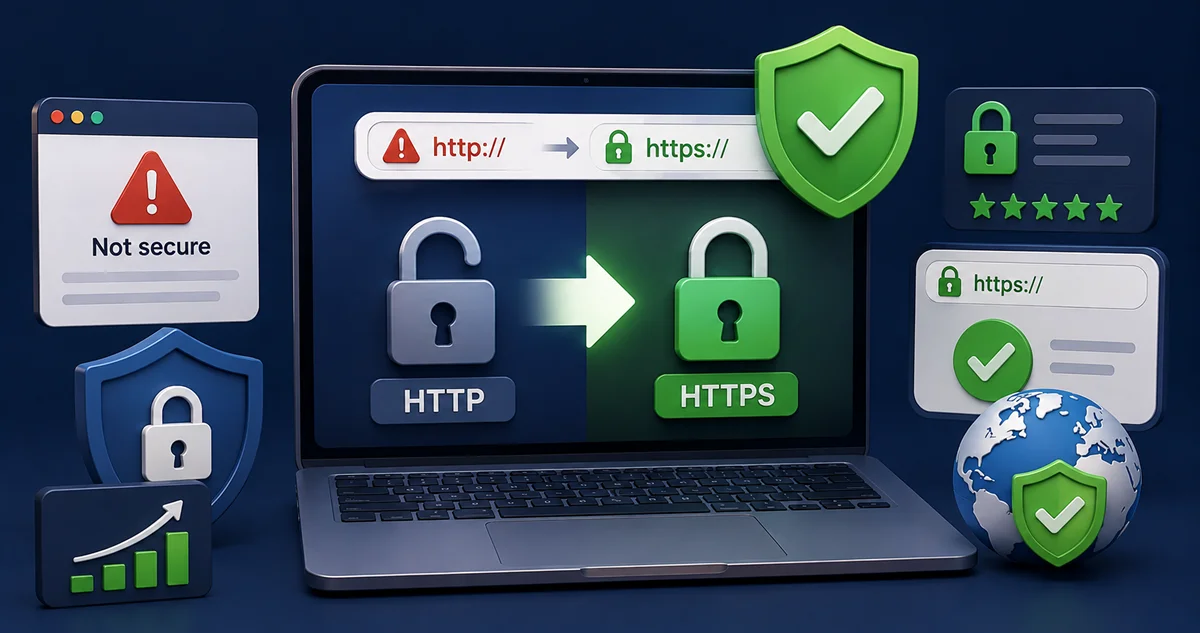
Your site needs HTTPS to stay safe. HTTP can allow hackers to steal sensitive information. When you switch to HTTPS, you keep all the data secure between your visitors and your site, earning their trust in the process.
Google warns users when they visit unsecured websites that still use HTTP. These sites are marked as unsafe. Switching from HTTP to HTTPS resolves the issue. It makes your website look more trustworthy to both search engines and visitors.
When you upgrade, users feel safer. Secure connections stop hackers from stealing passwords with phishing software. You also build more trust with customers and reduce the chance of someone attacking your forms or checkout pages.
Secure websites stand out. People trust them more, and attacks occur less frequently. But HTTPS alone is not enough. Let’s now fix another issue—what to do when a browser says your website has a “certificate not trusted” warning.
Fix “Certificate Not Trusted” Errors Before Users Flee
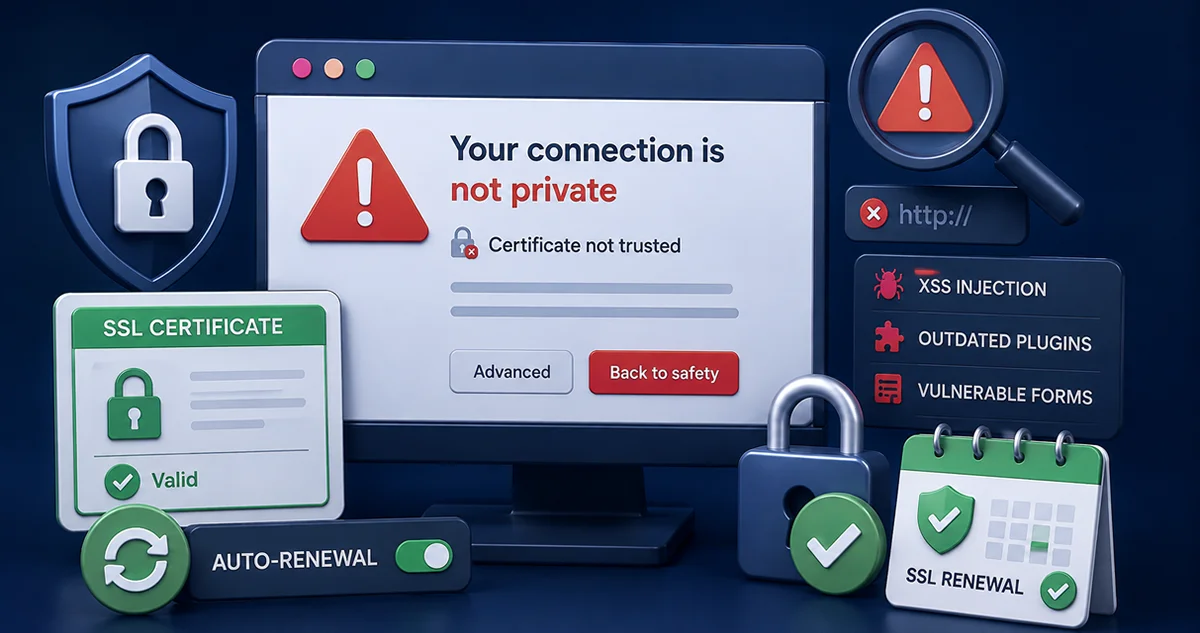
Your website requires a valid security certificate to be considered secure. If it’s missing or expired, users get warnings. They may leave right away. Browsers also block unsecured websites that don’t have trusted SSL certificates.
A website marked as “not secure” loses trust quickly. Visitors click away fast. Attackers also look for “certificate not trusted” signs. They exploit these weak spots to target unsecured websites: ones with outdated or missing protection tools.
Fixing this error helps your site regain trust. It also blocks harmful tricks, such as XSS injection. This threat hides within weak websites that use outdated forms or plugins. Without action, harmful code can run without your knowledge.
Always renew your SSL on time. Many hosting companies allow you to enable auto-renewal. Set it once and stay safe. Now, let’s look at how to prevent hacking by closing off common gaps that let hackers break into your site.
How to Prevent Hacking With Proven Security Tactics
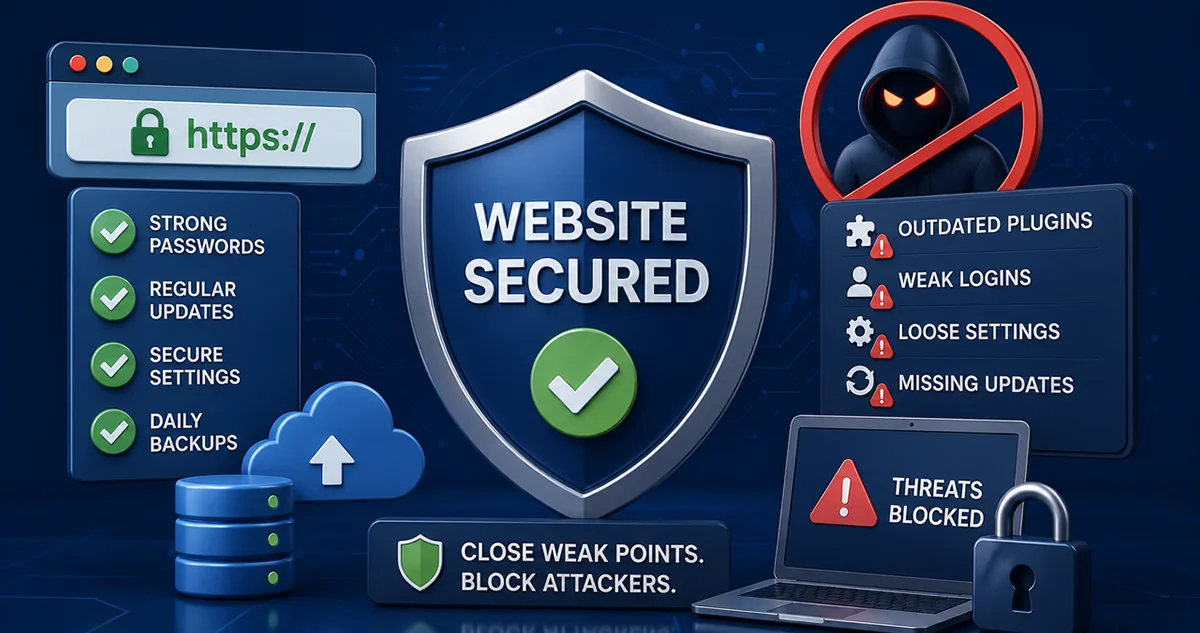
Hackers search for weak spots, such as outdated plugins, weak passwords, or loose security settings. These problems give them easy access. Knowing how hackers work helps you block them. That’s how many websites end up getting hit without warning.
According to Wordfence, 90% of hacks begin with open paths on unsecured websites. These paths often include weak logins, outdated files, or missing updates. Sites that skip the basics become easy targets for anyone looking to break in.
Learning how to prevent hacking means closing doors before attackers find them. Strong passwords, regular updates, and backups are essential. This also prevents backdoor malware from infiltrating and hiding deep within your website’s code.
Fix minor issues fast. Even simple problems—like a “certificate not trusted” error—can lead to bigger trouble. Now that you know the signs, let’s look at where hackers get in—and how you can find and remove the traps they leave behind.
Detect and Remove Common Malware Entry Points
Hackers often exploit weak spots, such as outdated plugins or vulnerable form fields, to gain unauthorized access. These entry points make it easier for them to mess with your site. If you delay updates or skip the transition from HTTP to HTTPS, you’d end up making your site an obvious target for attacks.
Unsecured websites are top targets for code injection. Hackers use it to steal data or change pages. These attacks hide inside your site. If you don’t scan your site often, they may stay there without you even knowing it.
The best way to stay safe is to act fast. Remove any malicious files you find. This prevents your site from displaying fake pages or sending spam to your visitors. Clean sites load faster and function more efficiently.
Look often and fix problems fast. That’s how to prevent hacking. Next, we’ll explore how regular scans and tools, such as DDoS attack protection, help block attacks before they shut down your site.
Run Continuous Security Checks to Stay Protected
Scanning your site regularly helps you catch problems early. These scans look for strange changes or harmful files. This keeps danger from spreading. Unsecured websites are vulnerable to hackers.
If you check your site every week, it stays safer. You’ll find things like broken plugins or hidden viruses before they cause damage. These checks also detect web DDoS attack attempts that can bring down your entire site in seconds if left unaddressed.
Keep everything updated and double-check alerts. Even a small warning, such as a “certificate not trusted” message, can indicate a larger issue. Most owners of unsecured websites fail to recognize these signs until the damage is already done.
Stay ready by testing often. Cyber threats don’t wait. When you run checks frequently, you stay in control. Now, let’s wrap up with a quick review of what you’ve learned—and how to use it to fix your website fast.
Frequently Asked Questions
What is a web DDoS attack, and how does it affect small sites?
This floods your site with fake traffic. It causes the system to crash or load slowly. Small sites often struggle to handle it, which can drive visitors away or halt sales.
How can I get DDoS attack protection for a basic website?
Many web hosts offer DDoS protection as part of their service. You can also add tools that block fake traffic and notify you when something seems wrong.
What does code injection mean in website security?
It is a situation where hackers add harmful code to your site. It can steal data through outdated plugins, open form fields, or weak security settings.
Why is XSS injection dangerous for user data?
XSS allows hackers to inject code into your site that executes in a visitor’s browser. It can steal passwords or personal details. Visitors may never know it happened.
How does backdoor malware infect WordPress plugins?
Hackers hide them in plugins or themes. That’s why updates and trusted sources are essential when choosing or installing anything on your website.
What is phishing software, and how is it used by hackers?
This software tricks users into giving away login details or personal information. If your site is flagged as not secure, hackers can add these tricks incognito.
Conclusion
Fixing unsecured websites doesn’t need any advanced tools. It takes smart steps and steady checks. When you act early, you stop attacks before they grow. Even simple fixes can help restore trust in your site.
From switching from HTTP to HTTPS to removing hidden malware, each move protects your visitors. Small actions lead to big safety wins. Take control now and make your website a safer place for everyone who visits.
Protect Your Unsecured Websites from Dangerous Attacks
Let The Strategic Tech fix your unsecured websites today. We can carry out plugin updates, renew your SSL certificates, and show you how to prevent hacking. These small steps can stop big problems. Keep your website safe from harm. Click here to start now and block threats before they reach your site or users.