This quick implementation guide gives you the fastest steps to apply the lessons from the full article. Use the three actions below to make immediate progress today.
Step 1 — Map Needs First
What to do
List your site goals, users, and workflows, then match them to CMS features you truly need right now.
Why it matters
This prevents costly limits later, keeps publishing simple, and helps your team move faster without extra developer work or training.
How to apply it today
Write three must-have tasks (publish pages, add forms, run reports). Check if each CMS supports them with roles, plugins, updates, and clear help docs. Pick the shortest path for launch.
Step 2 — Compare Top Platforms
What to do
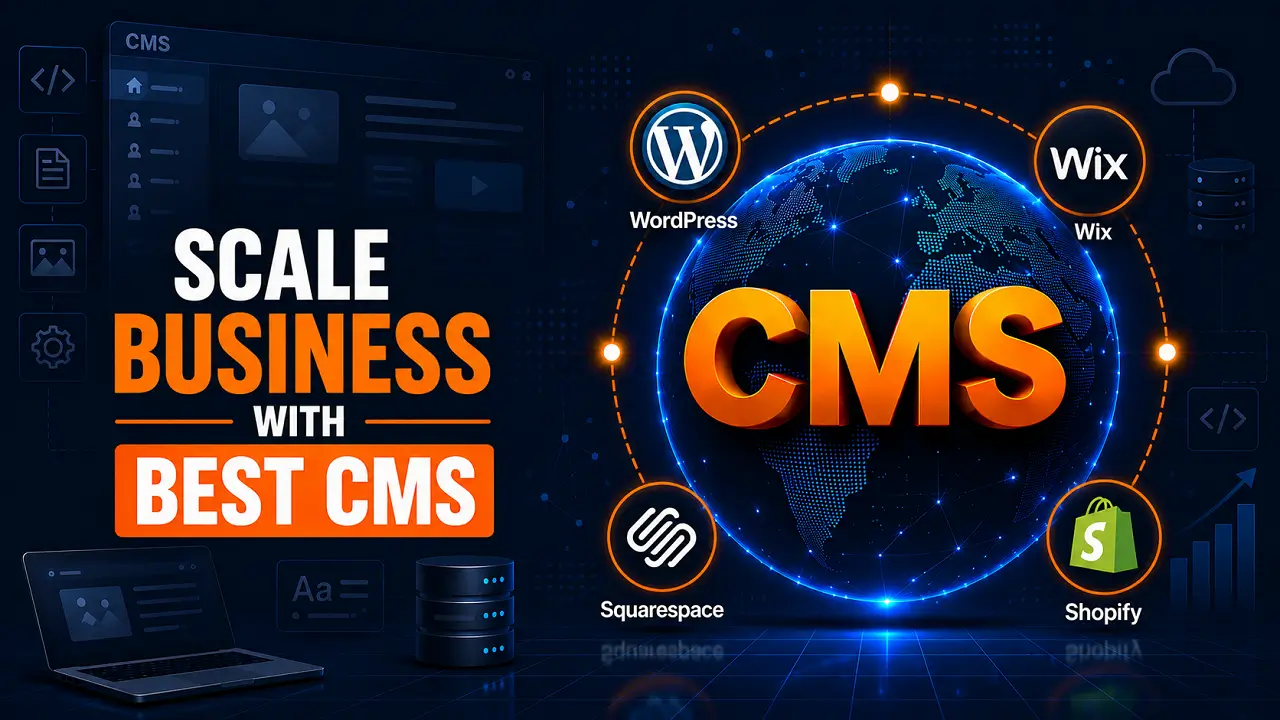
Compare WordPress, headless, and SaaS options on setup time, plugins, roles, long-term flexibility, support quality, security, and hosting.
Why it matters
You choose a platform that fits your skills and budget, avoids hidden costs, and stays reliable as your business grows online.
How to apply it today
Make a simple scorecard with five rows: ease of use, growth features, plugin ecosystem, security updates, and support. Rate each option 1–5, then shortlist two and test editing a page.
Step 3 — Lock Support Basics
What to do
Set hosting, backups, updates, and training plans so your CMS stays fast, safe, and easy to run daily.
Why it matters
Strong support reduces downtime and stress, keeps content flowing, and protects your site as traffic and pages increase over time.
How to apply it today
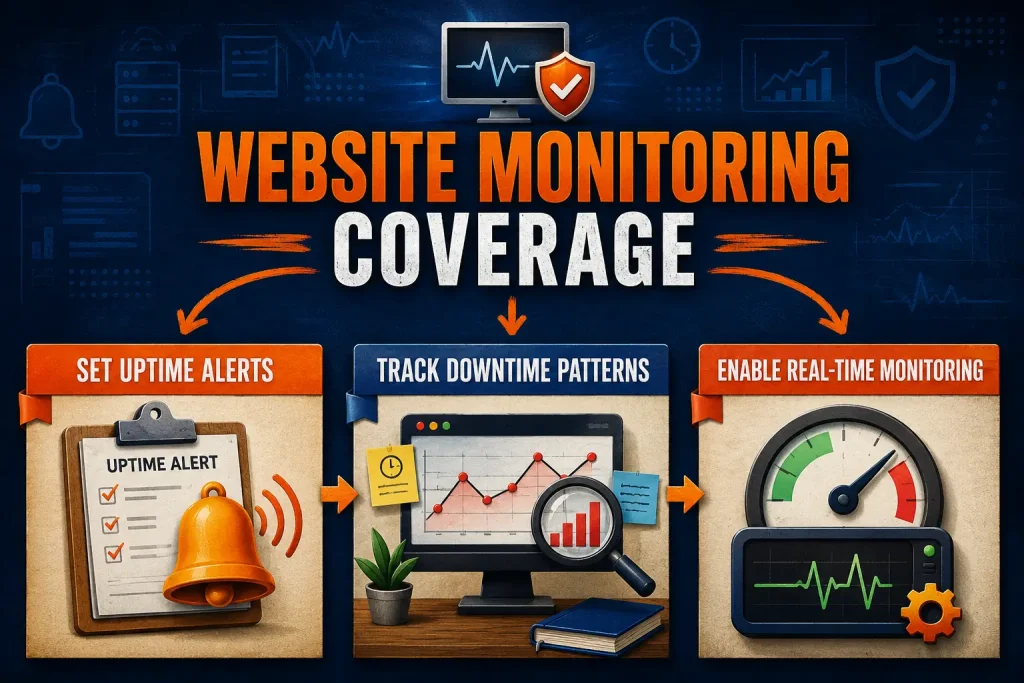
Choose managed hosting or an in-house owner. Schedule weekly updates, backups, and monthly security checks. Document who approves plugins and who fixes issues, then review Core Web Vitals each month.
Check One Result After Implementation
Check whether CMS requirements are documented, platform comparisons are completed, and support responsibilities are assigned, then record the current status once.
Review again after a reasonable period and note whether the documentation and support plans remain current and complete.