Introduction
Ecommerce user experience turns visits into sales with quick fixes that remove friction on key pages. Great online stores feel simple, fast, and helpful. This guide shows how to plan, design, implement, and measure weekly changes with clear goals and regular tests.
Strengthen the ecommerce user experience across all your pages—set one outcome per page, cut extra steps, and track load time and exits. Let’s begin with implementing a personalized shopping experience.
Deliver a Personalized Shopping Experience That Feels Natural

Start with people and their goals. Decide what each shopper sees on mobile, tablet, and desktop. Use intent, behavior, and saved preferences to guide offers and layout. Tie changes to the ecommerce user experience so pages feel fast and helpful.
Run a small homepage test on a Shopify user interface—reorder collections by behavior, add recently viewed items, and match hero copy to intent. Also, track clicks, add-to-cart events, and time on page. Keep what works and note each win.
A personalized shopping experience cuts friction and raises trust. It shows the right items at the right time, with smart defaults and clear copy. Fewer choices reduce doubt, so buyers move forward with less effort, and visits turn into sales.
Start small and keep tests safe. Share proof with your team members and implement updates on schedule. Keep wins, drop misses, and document everything. Next, scale what works across the funnel with the customer journey optimization.
Map and Improve Customer Journey Optimization at Each Step

Draw a clear map of how shoppers move. List entrances, micro-goals, blockers, and recovery paths. Mark quick wins and hard stops. Tie every step to the ecommerce user experience, so teams see the impact.
Build a simple flow from search to cart. Use analytics to spot drops and loops. On a WordPress ecommerce website, trim filters, add size guides, and simplify sorting. With customer journey optimization, aim for fewer exits and faster paths.
Mapping the journey helps you see the top priorities. It ranks fixes by impact and effort, keeps your team aligned on one plan, reduces waste, and speeds delivery. It also strengthens the ecommerce user experience and turns more visits into sales.
Keep mapping each step. Fix the biggest blocker first, then retest. Share wins in a simple log and use the lessons to guide builds. Next, use customer centric design to choose better paths and content across product, cart, and checkout.
Build With Customer Centric Design for Better Decisions

Define goals and limits for each step. Map shoppers’ choices and cut out noise. Use the ecommerce user experience as the guiding goal. When pages answer buyers’ needs fast, they move forward with confidence.
Give quick answers where doubt slows action. Add help links and clear labels on product pages. Use the FAQ page design as a pattern with grouped questions and links to help. Reduce clicks, prevent loops, and keep shoppers moving forward.
Customer centric design sets clear rules for choices. Show one action, keep forms short, and place help where eyes go. Pair goals with proof like reviews and badges. This focus lowers support, speeds decisions, and lifts conversions across steps.
Keep pages focused. Trim the noise that hides the next step. Log each win and share it. Retest and keep changes that help most. Next, tighten menus and labels. Strong navigation turns intent into quick finds and sets up faster choices.
Simplify Navigation and Structure for Clarity
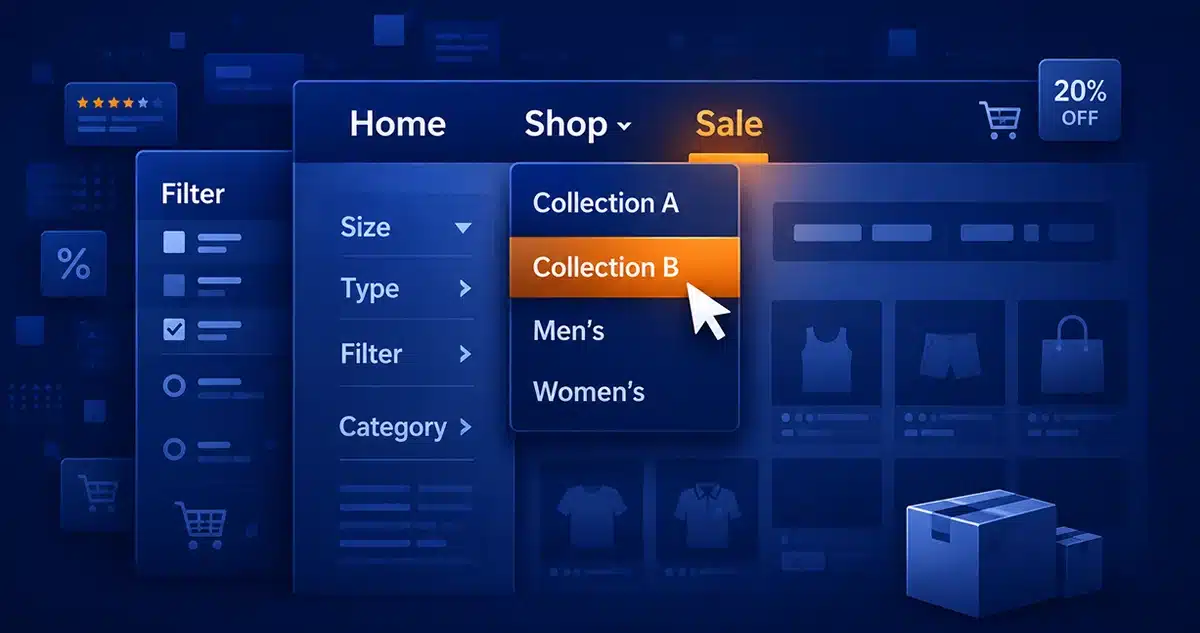
Clear menus, short labels, and a clear hierarchy guide choices. Group items by intent and keep wording consistent across pages. This supports the customer centric design in practice. When paths feel clear, shoppers relax, scan faster, and take the next step.
Start with website navigation design that matches how people shop — limit the main tabs to a few, use clear categories and filters, and keep a sticky header on mobile. Test labels with five users and track click depth as well as exits.
Cleaner paths boost findability and speed. Use UX in website design to link patterns with results. Show the strongest paths first and remove the routes that confuse or slow shoppers. Tie changes to the customer journey optimization, so your team can see how fast shoppers reach product pages and the cart.
When paths are clear, pages load with purpose. Images, copy, and options fit the next step. This flow strengthens the ecommerce user experience and reduces doubt. Next, fix checkout — trim fields, show totals, and make payments easy to prevent drops.
Streamline Checkout to Prevent Cart Abandonment
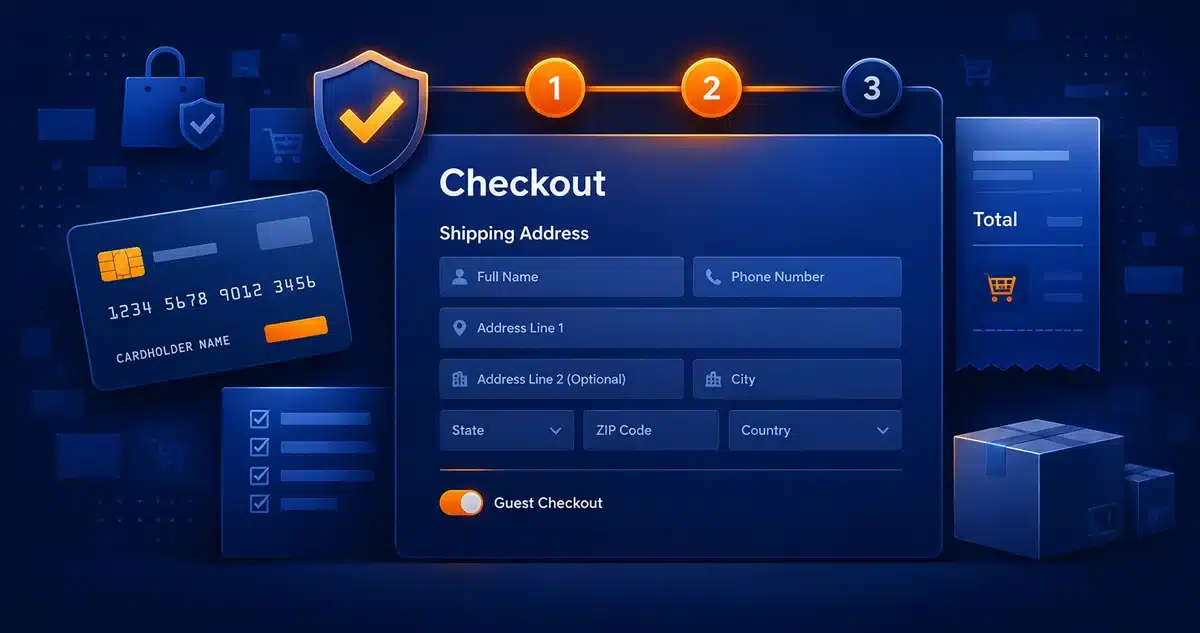
Checkout is the point where many carts are lost. List top blockers — long forms, hidden costs, weak trust, and slow pages — and immediately fix them. Clear steps and a simple checkout encourage action. A good flow lifts the ecommerce user experience and keeps buyers moving forward to pay.
Fix the basics with checkout UI — offer guest checkout, shorten forms and support autofill, show total cost early, and add payment options and badges. Use a personalized shopping experience touch, like a saved address or wallet, and track completions and exits after each change.
Make choices clear on each step. Add progress, place labels near fields, and spot errors early. Cut loops by fixing the top blocker first. Customer journey optimization guides what to fix next. These moves strengthen the ecommerce user experience and lift completion rates.
Keep tests small and steady. Change one thing at a time. Log results and share them with the team. Retest each month. With cleaner steps and clear costs, more buyers finish checkout without doubt.
Frequently Asked Questions
How should website navigation design change for extensive product catalogs?
Group items by intent. Use short labels. Add search and filters. Keep menus consistent. Test with a few users. Track clicks and fix confusing paths first.
What parts of the Shopify user interface help personalize shopping?
Use customer tags and sections. Show collections first. Save carts across devices. Keep forms short. Measure lift from clicks, time on site, and sales to prove impact.
How do I improve speed on a WordPress ecommerce website?
Pick a fast theme. Compress images. Use caching and a CDN. Limit the number of plugins you use. Test with PageSpeed Insights. Fix steps that block checkout to enable you to raise conversions.
What should an FAQ page design include to reduce support tickets?
Answer common questions in blocks. Link to pages. Use headings, accordions, and search. Keep answers updated. Track exits and remove clutter that hides help.
Where does UX in website design meet business results for stores?
Set clear goals like sign-ups or sales. Map each step, fix blockers, test weekly, and use metrics to guide choices and plan smart sprints.
What fixes in checkout UI cut drop-offs the fastest?
Show the total cost early. Trim steps. Offer guest checkout. Support local payments. Autofill details. Place error messages next to the fields that have mistakes. Track exits and fix top blockers first.
Conclusion
Build great stores from home to checkout with a focus on clarity, speed, and trust. Test weekly, fix blockers fast, and keep messages clear. Steady work lifts the ecommerce user experience for shoppers and boosts business growth.
Put people first in every decision. Use data to guide each change. Shape pages around needs and context. Match offers to intent and remove noise. Over time, a personalized shopping experience builds trust, lifts sales, and grows revenue.
Improve Ecommerce User Experience to Boost Clarity and Conversions
Let The Strategic Tech check your web pages, improve speed, and clean up the steps that slow buyers down. Our fixes boost your ecommerce user experience right away. With a customer centric design, you see clearer paths, smoother clicks, and a checkout that feels easy. Start by requesting your free e-commerce and online stores checklist today.