Introduction
Customer feedback analysis helps you set steps for building trust. Listen first to develop better pages for growth, then watch clicks and paths to spot patterns. Tests guide choices, cut waste, and help teams read signals, find friction, and plan simple fixes.
With customer feedback analysis, you turn comments into actions. Set owners, dates, and a loop. Fix quick wins first, then plan bigger changes. Share notes and results so teams learn fast. We’ll begin with mapping feelings and themes using customer sentiment analysis.
Build a Customer Sentiment Analysis Plan That Guides Changes
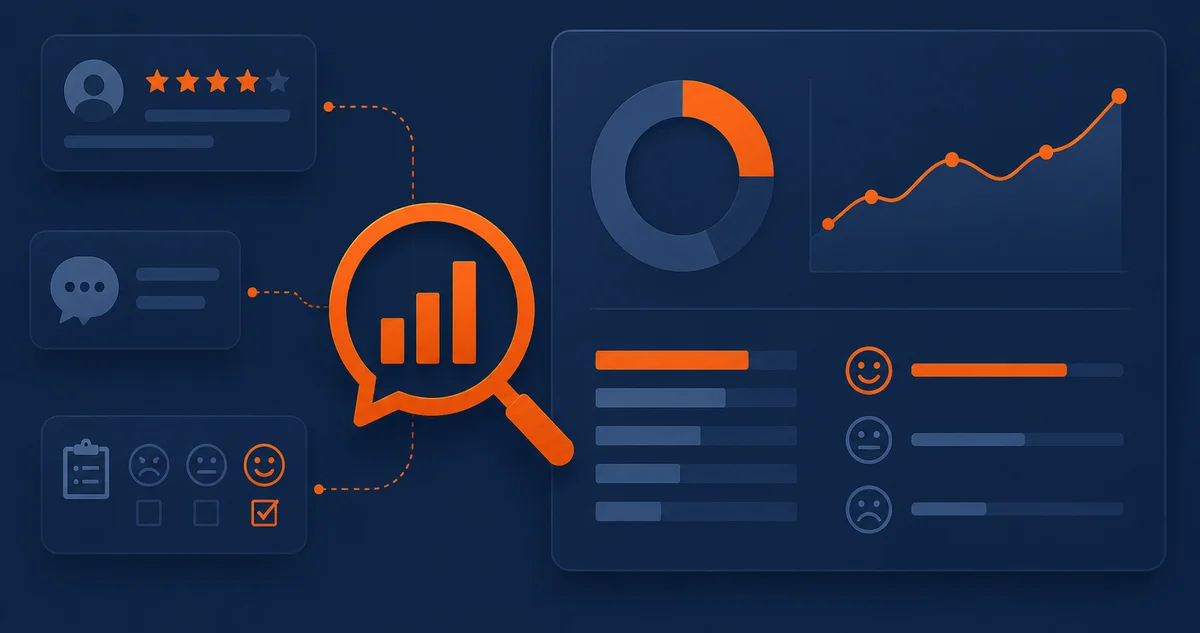
Turn users’ words into clear signals. Define themes, tone, and top pain points. Tag each comment and group related notes. Score impact and assign each issue to someone with a clear deadline. Check bias and confirm patterns with customer feedback analysis.
Ensure that your team goes through support chats, reviews, and survey notes every month. Tag issues, rank themes, and watch tone shifts. Clips from UX design research show real reactions, adding context and revealing quick wins and confusing pages.
Results turn noise into clear priorities. Customer sentiment analysis reveals which themes most significantly impact customer journeys. Teams pick fixes that unblock tasks, raise trust, and cut tickets. Owners, dates, and simple checklists keep work moving and make progress very visible.
Write the plan. Document tags, scores, and review dates. Share a simple dashboard and close the loop after each release. Next, watch live signals and catch issues as they happen with real time feedback.
Use Real Time Feedback to Catch Issues as They Happen
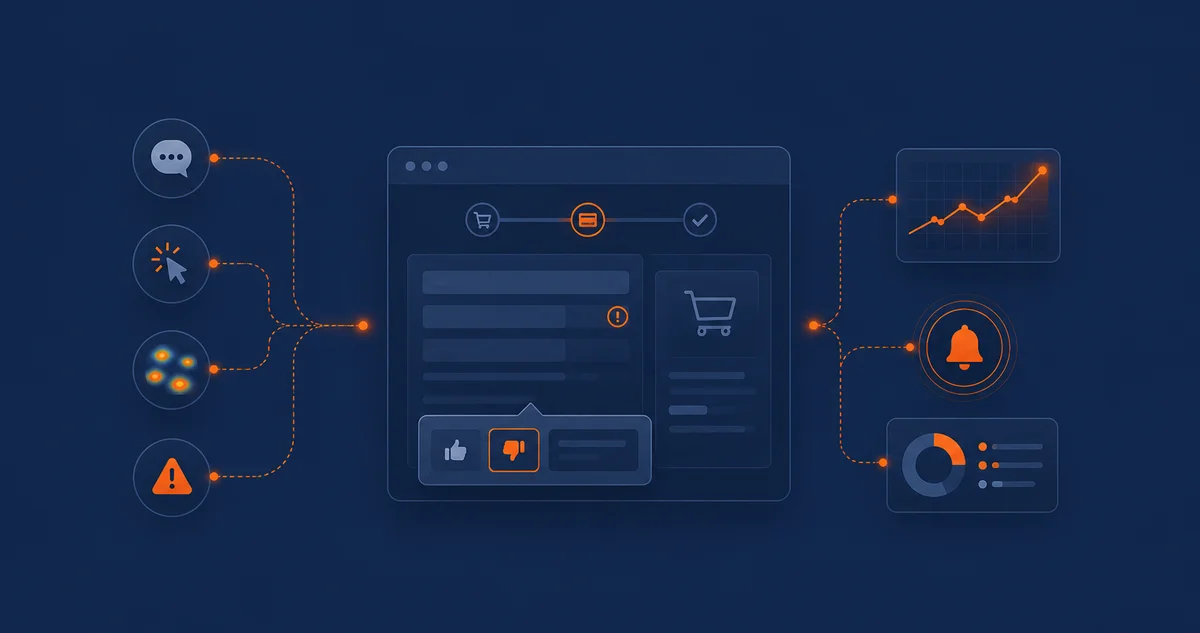
Use on-page prompts, chat logs, heatmaps, and alerts to spot problems as they occur. Customer feedback analysis ties these signals to pages and owners. Teams see where users stall and why.
Add a small banner on the checkout page to get customer feedback. Ask about any confusing field and give two choices with a short text box. Replies point to the fix; crash logs and chat notes confirm and address the problem fast.
Real time feedback speeds up fixes and cuts exits. Customer feedback analysis ties each signal to its owner and date. Teams identify which change helps the most and adjust copy, forms, or steps accordingly. Wins show in drop-offs, calls, and tickets within days.
Keep a list, group items by impact and effort, and share changes after each release. Log notes so teams learn fast. Next, scale capture, routing, and owners with better systems that tag, assign, and track with feedback management tools.
Choose Feedback Management Tools That Scale Your Process
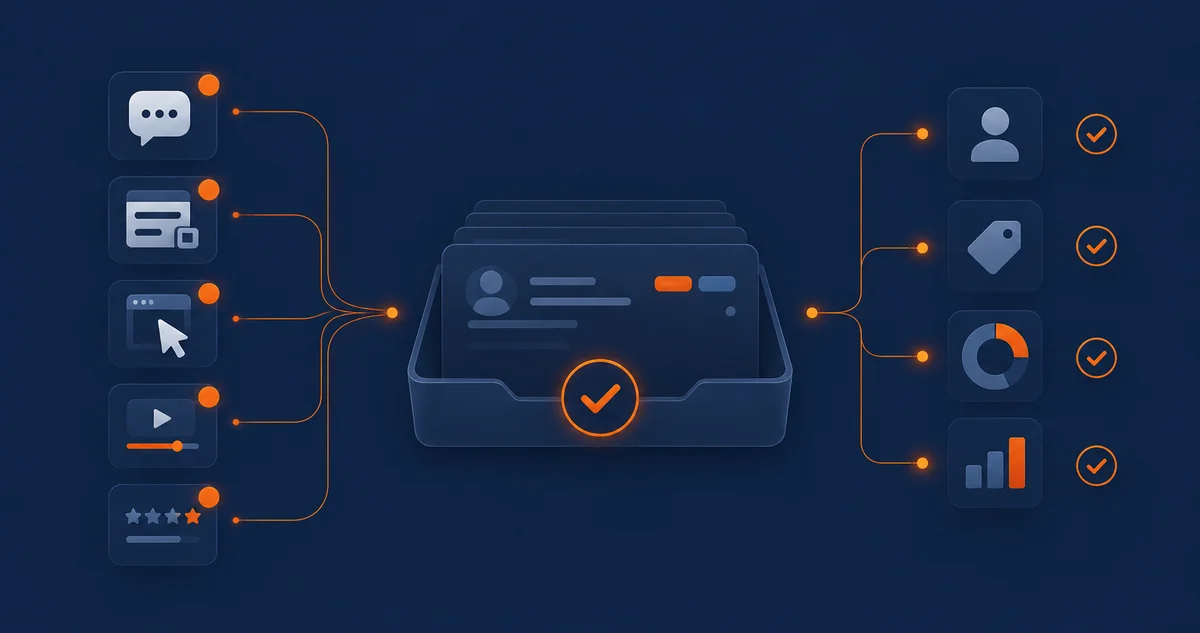
Feedback management tools capture, route, tag, and assign user input. They pull notes from chat, forms, and widgets into one queue. Rules set owners and due dates, tags group themes, dashboards show trends, teams act faster, and work is organized.
Merge channels into one queue. Bring chat logs, form entries, and website user testing clips together. Add website surveys for checks. Auto-tag by topic and page, and use a single inbox to prevent duplicates, speed up replies, and keep status current.
Routing sends messages fast to the right person. Templates help teams reply fast. Customer feedback analysis links tags to themes, so teams can pick fixes that matter. Fewer tickets land after each release. Clear owners and dates raise trust with users and leaders.
Tag by impact, effort, and user value, assign one owner per item, share notes, and show shipped fixes to keep momentum. Next, close the loop by ranking work and publishing updates. Tell users what changed, and why.
Close the Loop: Prioritize Fixes and Share Updates

Close the loop with a simple review process. Sort items by impact, effort, and user value, as well as owners and due dates. This routine turns noise into user experience improvement. People see fixes, and teams stay aligned around goals.
Post a roadmap and release notes after the sprint, and link them to tickets, clips, and proof. Use feedback management tools to tag sources, route owners, and track dates. People understand progress, and leaders see why choices were made.
Trust grows when fixes match what people feel. Use customer sentiment analysis to confirm tone and themes. Then apply customer feedback analysis to link issues to owners and dates. Tickets drop, and teams learn which changes matter for users.
Keep the loop clear. Announce fixes, invite replies, and log observations. Review results in a meeting each month. Use simple scorecards and before-and-after checks. Close the release and update the backlog. Prepare measurement for the next iteration and schedule.
Measure Impact and Plan Your Next Iteration

Use scorecards to match work to results. Track customer experience metrics that link to key pages and forms. Customer feedback analysis turns notes into numbers you can compare each month. See wins, gaps, and where users still get stuck.
Run before and after checks for significant changes. Watch tasks, time, and drop-offs. Use real time feedback to catch fresh issues on release day. Tag each item with their respective page and step so trends are clear to teams right away.
Customer feedback analysis shows when a fix works or still needs to be worked on. Share dashboards from feedback management tools so owners act fast. Better timing saves cost and raises trust, and teams bet on changes that move the needle, not noise.
Set a monthly review. Check top goals, pages, and forms. Close done items, move blocked work, and plan subsequent tests. Update the backlog and dates. Keep the loop short so users experience consistent gains every month.
Frequently Asked Questions
How should teams select customer experience metrics that match website goals?
Start with one goal per page. Track task success, time, and drop-offs; tie numbers to fixes; review monthly; and share reports so owners can act fast.
When does website user testing reveal problems that reviews often miss?
During flows with steps. Watch people attempt tasks, see where they stall, and note the gaps. Fix labels, order, help text, and retest the path.
What is the best way to get customer feedback during busy releases?
Add a small prompt on key pages. Ask one question, rotate topics weekly, keep notes short, and tag each reply to the page and the owner.
Which steps turn input into a user experience improvement that lasts?
Sort by impact and effort. Pick owners, set dates, fix high-value items first, publish notes after releases, and review monthly. Repeat what works; drop weak ideas.
How does UX design research add context to raw comments?
It shows behavior, not just words. Clips reveal pauses and backtracks, teams see why problems happen, not guesses, and findings guide fixes and help set tests.
Which website surveys raise response rates without hurting UX?
Use short surveys with one straightforward question and an easy close button. Show them when users finish a task or start to leave. Ask only once per visit and share quick results so people see the value right away.
Conclusion
Customer feedback analysis, with loops and tools, speeds up fixes and builds trust. Small tests guide choices. Keep input organized and ready for action, so teams ship quickly, avoid rework, and improve on pages that matter most.
Plan, test, and review on schedule. Use customer sentiment analysis to track tone and themes. Share dashboards, close loops, and set next steps. Short cycles align teams, reduce waste, and keep changes tied to goals.
Build Trust Faster with Customer Feedback Analysis
Work with The Strategic Tech to set clear goals and an easy loop. We’ll use customer feedback analysis and real time feedback to test weekly, fix issues, and share updates. These steps guide steady changes users notice and trust. Request your customer feedback plan.