Introduction
CMS customization matches your goals with content, design, and build. Small tests, ready templates, and simple roles cut rework. These steps save money and time. With steady paths, launches happen faster, and you keep budgets safe while the site grows.
Brand style, fast pages, and smooth workflows all need precise planning. With CMS customization in place, you tie planning to daily work, avoid stress, and keep projects simple. Let’s now begin with CMS requirements that help you make the right choices.
Define CMS Requirements That Match Brand And Workflow
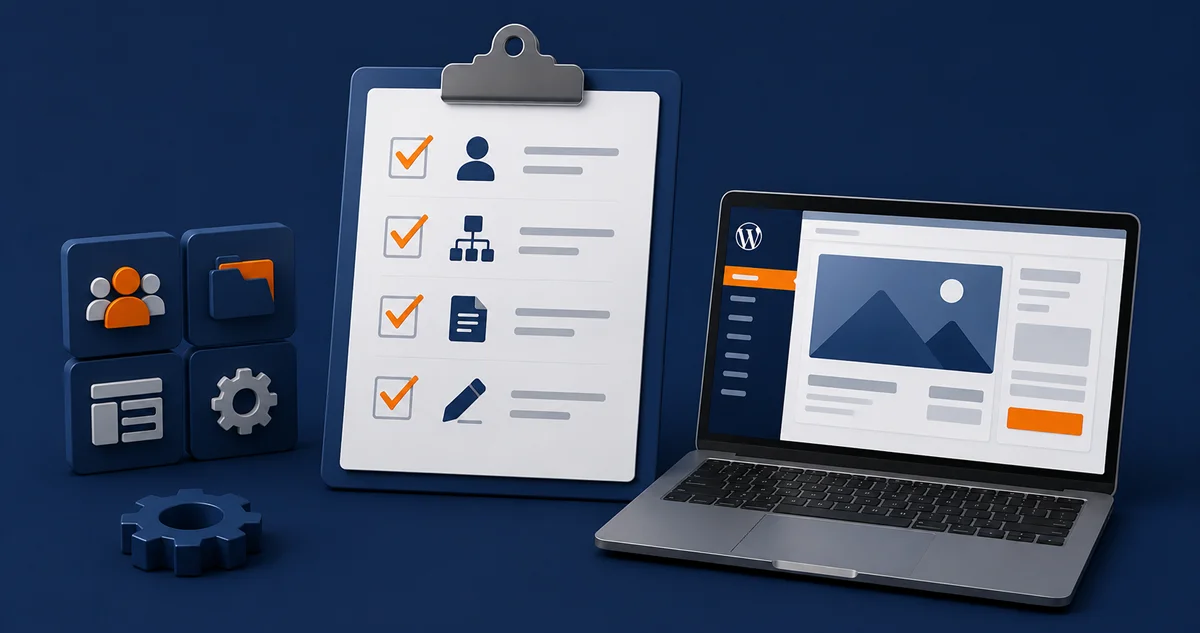
There are CMS rules for models, roles, and reviews. You use them to shape content flow and design. These rules clearly connect to CMS customization, and each step aligns with brand needs while keeping daily work simple.
A checklist helps here by allowing you to map fields, taxonomies, and content blocks. Compare layouts on the WordPress platform and see how editors use menus and forms. These checks provide proof before redesign work evolves into larger tasks.
Understanding CMS requirements removes friction and speeds up reviews. It helps you to understand the scope and limits early enough, so that fewer edits are needed much later. These steps keep budgets safe and timelines steady. With rules set, you can be sure that each choice fits your brand goals.
Owners should write rules and plan small pilot tests. Share reviews to show what works, test each process in a one-to-two-week sprint, and approve with a checklist. The next step is to apply CMS marketing guidelines to keep tone and content consistent.
Apply CMS Marketing Guidelines To Keep Content Consistent
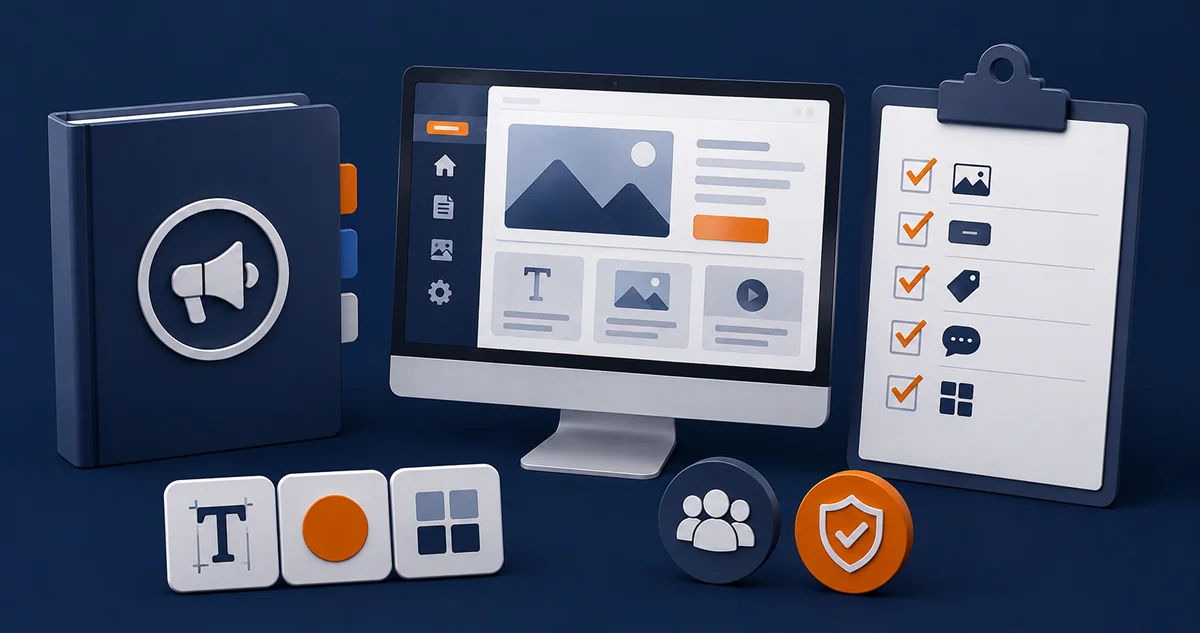
Marketing guidelines give clear rules for tone, style, and voice. These guidelines cover layouts, formats, and reuse steps. When linked to customization, they keep brand goals simple — work stays light and edits drop when rules are set early.
Checklists make work clear — they help owners write image sizes, button words, and tag use. Adding WordPress management provides editors with the necessary training and support. These steps cut repeated errors and help pages look the same across the site.
CMS marketing guidelines reduce edits and speed releases. With rules in place, all groups know what to follow. CMS customization checks that formats match brand needs. Both combine to build pages that are steady and safe for daily use.
Proofs and reviews show if the rules are working. Shared notes keep everyone aligned. Small cycles build trust and ease stress. With guidelines in place, the next step is choosing a CMS host for speed and uptime.
Choose A CMS Host For Speed And Uptime

A host runs the site and ensures that it stays online. Choices include managed plans, VPS, and cloud storage. Each one ties to caching, backups, and speed. CMS customization links these choices to brand needs, thus making planning safe.
Ensure to compare real features. Look at SSL, storage, and server regions, and check if scaling is simple or complex. Add a WordPress headless CMS for content via API. This option is helpful when data must be transmitted to multiple locations.
A CMS host cuts downtime and boosts page speed. With hosting support in place, your team can ship faster and reduce breaks. Uptime stays strong for both editors and visitors. Host planning ensures content flows smoothly daily without stress.
Logs and alerts keep owners ready. Budgets should cover backups and upgrades. Reviews should be held to spot weak areas. Clear checks also link back to CMS requirements, which guide safe rules for edits and upgrades. Let’s now talk about building for flexibility and growth.
Build Flexible Modules And Headless Options For Growth
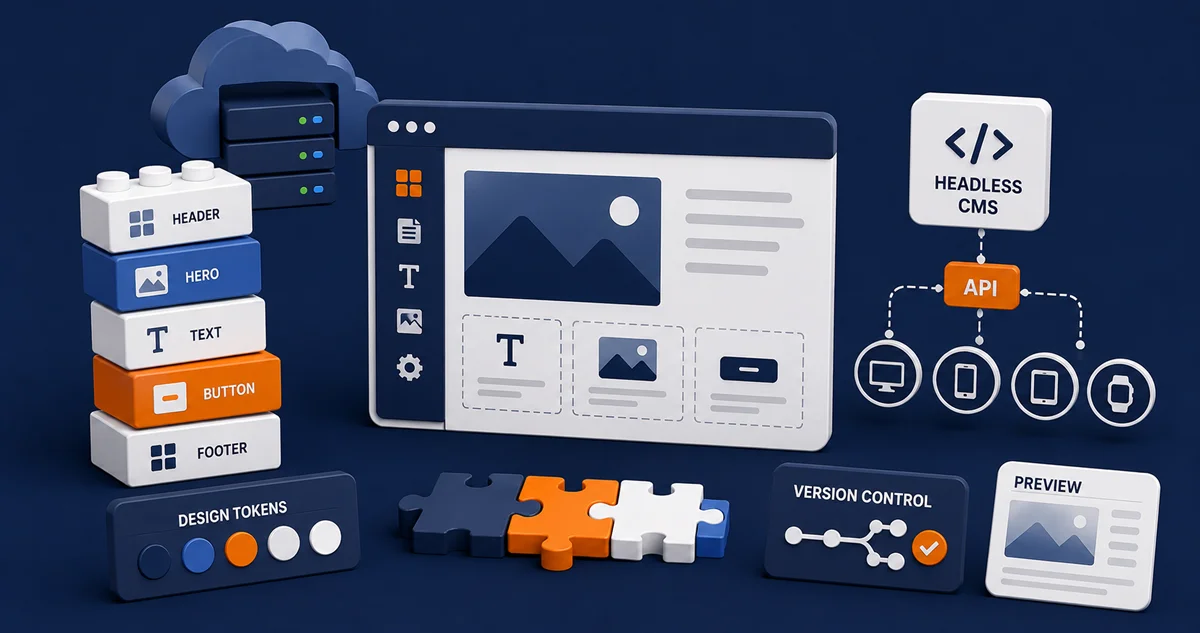
A custom CMS supports modular blocks and design tokens. These small parts make layouts easy to adjust. Linked with a CMS host, they also improve speed. With clear rules, you can change designs faster and avoid complete rebuilds that waste money.
One good step is CMS web development with design systems. Shared parts reduce errors. You can also test a headless website to push updates across many channels. This enables fast launches and helps sites grow without delay.
CMS customization reduces rebuilds and makes upgrades safe. Your staff can follow rules with less stress. By reusing tested parts, projects cost less and move quickly. Add pilots for new ideas, but keep core layouts simple and ready for edits.
Version control and previews add another layer of safety. They show how changes look before launch. CMS customization confirms these steps are solid. With checks in place, the next step is to measure results and plan smart upgrades.
Measure Results And Plan Safe Upgrades
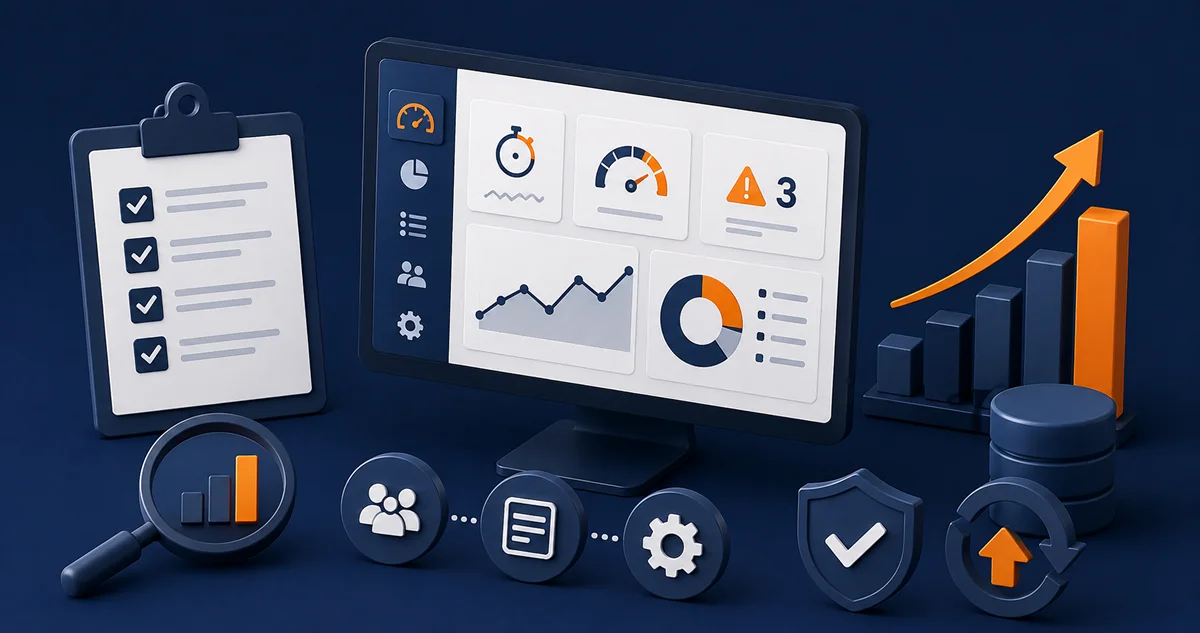
CMS customization helps track how sites run. Dashboards show edit times, load speed, and error counts. These numbers guide upgrades. With precise data, you can clearly see what works, what doesn’t, and which changes save time and money.
Reports should track bugs and content flow. A content management tools list helps with training and handoffs. It shows who owns each task and what tools are ready. This makes upgrades safe and keeps work moving smoothly.
Good data leads to better plans, which allow you to budget with less risk and set clear schedules. CMS requirements remind groups to stay within safe rules. CMS marketing guidelines also provide checks to ensure tone and layouts do not drift over time.
Monthly reviews make results clear. Owners update checklists and note progress. CMS customization ensures that each step aligns with brand needs. With strong habits in place, growth is steady, safe, and ready for the next redesign.
Frequently Asked Questions
Which steps in CMS web development help teams avoid rework later?
Teams should set models, list roles, and test small parts. Short pilots show errors early. These steps make upgrades safe without adding stress.
How should WordPress management support editors without slowing releases?
Editors need clear training, short guides, and fast support. Help should focus on quick fixes and updates. This allows new pages to be published quickly without delays.
When is WordPress headless CMS the right approach for multi-channel content?
It’s ideal when content must reach multiple locations. Teams publish once, then share across sites or apps. This cuts extra costs linked to repeated edits.
What planning is needed when scaling on the WordPress platform across teams?
Scaling needs clear roles, shared steps, and review cycles. Teams should test changes and track tasks. These steps keep projects safe while pages grow.
Where does a headless website fit in a phased redesign plan?
A headless setup runs beside old systems. This allows for safe testing while pages remain online. Teams can move step by step and grow with fewer risks.
Which items belong in a content management tools list for training?
The list should include short guides, checklists, and logins. Add training data and review notes. These items help new staff learn quickly.
Conclusion
CMS customization links brand style, page speed, and workflow. It helps teams launch faster and reduce errors. Clear roles and models cut errors early. With each step aligned, redesigns cost less and projects stay on track.
CMS marketing guidelines keep tone and layouts steady. Plan, test, and improve in short cycles. With rules in place, teams share one voice, build trust, and stay ready as sites expand across channels.
Grow Your Website Faster With CMS Customization
At The Strategic Tech, we make CMS customization simple and effective. Our team guides safe upgrades, steady branding, and smooth performance. We set clear goals, track speed and uptime, and run weekly tests with your CMS host. Request your CMS checklist today.