Introduction
A website launch checklist is a simple guide for a smooth start. It helps you get content, links, and setup ready before launch day. With fewer mistakes, your site starts strong and makes a good first impression.
Your website launch checklist covers key areas like domain name, hosting, key pages, and analytics. Check available domain names, choose one, and secure variants ahead of time. Let’s start with how to get a website domain and build your brand identity.
First Things First: Get a Website Domain
There is no website without an address. A website domain that fits your name ticks the first box on your website launch checklist. Register it early, ensure it is clear and easy to type, and secure close versions. Next, set your nameservers so that both email and site work properly.
A startup moved fast to protect its brand. It utilized search tools to get a website domain and its variants. It set HTTPS, fast loading pages, and email. Early setup made page speed optimization easier and kept ads and links working perfectly.
Domains with short, clear names are easy to say, type, and share. A matching email looks professional. Clear records help with legal issues and searches. Strong DNS and caching make pages load faster, allowing your site to rank better for all devices.
Register your domain name early, secure variants, and keep your domain ownership details current. Utilize DNS, HTTPS, and mail records to maintain high trust. With your name live, your next step is to build a sitemap to plan pages and menus.
Build a Sitemap for Easy Navigation
A sitemap organizes your pages in a clear order. It shows users and crawlers what exists and where. Your website launch checklist should include this step. Simple groups, names, and shallow depth make paths easy to follow.
An online store planned content with a simple pattern. It used tools to build a sitemap and added categories for products and help. An internal linking check fixed broken paths and loops. Search found pages faster, and customers reached the products they needed.
A map facilitates crawling and guides users accurately. Groups reveal intent — important pages sit near the top, and orphan pages get fixed before launch. Simple names improve clicks in menus and breadcrumbs. Teams see gaps early and plan content with a structure.
Keep your map current. Update when pages change and remove dead ends. Submit your sitemap XML file to search engines. A good map supports testing and checks, leading to website quality assurance.
Perform Thorough Website Quality Assurance
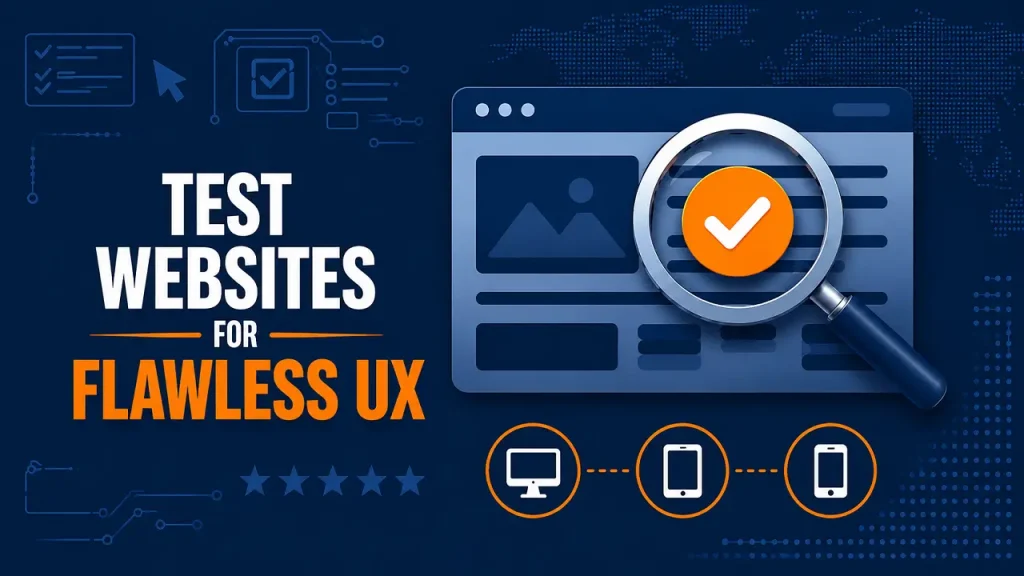
Quality assurance means testing every part of a site before launching. Check links, forms, speed, and layout on phones and desktops. Fix errors early. A website launch checklist keeps tests simple with steps that help teams move and avoid late mistakes.
A small business ran website quality assurance on many devices. It checked menus, forms, and cart on iOS and Android. Screenshots and notes tracked bugs. After the tests, pages loaded better, forms worked excellently, and support tickets decreased drastically.
Tests improve UX and trust. Add checks for content, images, and links. Confirm legal pages, including a privacy policy page. A website launch checklist tracks steps to ensure that nothing is missing. Fewer post-launch issues mean lower costs and happier visitors.
Make quality assurance a rule, not a wish. Test your site on various devices and browsers before launch. Log bugs and fixes. After testing, move on to legal and tracking steps to finish your setup, starting with your website’s domain records.
Ensure Compliance and Tracking Before Launch
Make compliance and tracking part of your plan. Your website launch checklist must cover privacy, consent, and data logs. Add lawful notices, cookie choices, and retention rules. Check forms and scripts, test consent flows, and delete data when asked.
A company prepared early to get a website domain with variants. It set HTTPS and locked the email. It added website GDPR compliance steps and records. Then it ran schema validation to mark products. The launch ran smoothly, and the audits passed the tests.
These steps prevent fines and errors. Teams avoid surprises and fix issues early. Your website launch checklist ties legal checks to search wins. Clean data, clear tags, and markup improve trust, clicks, and uptime.
Keep all your website controls organized in a single checklist for easy tracking and updates. Assign owners, review dates, and logs. Test each update before you publish it. When setup is clean, turn to tracking and reports. Next, watch uptime, speed, and user paths constantly with performance monitoring.
Monitor Performance from Day One
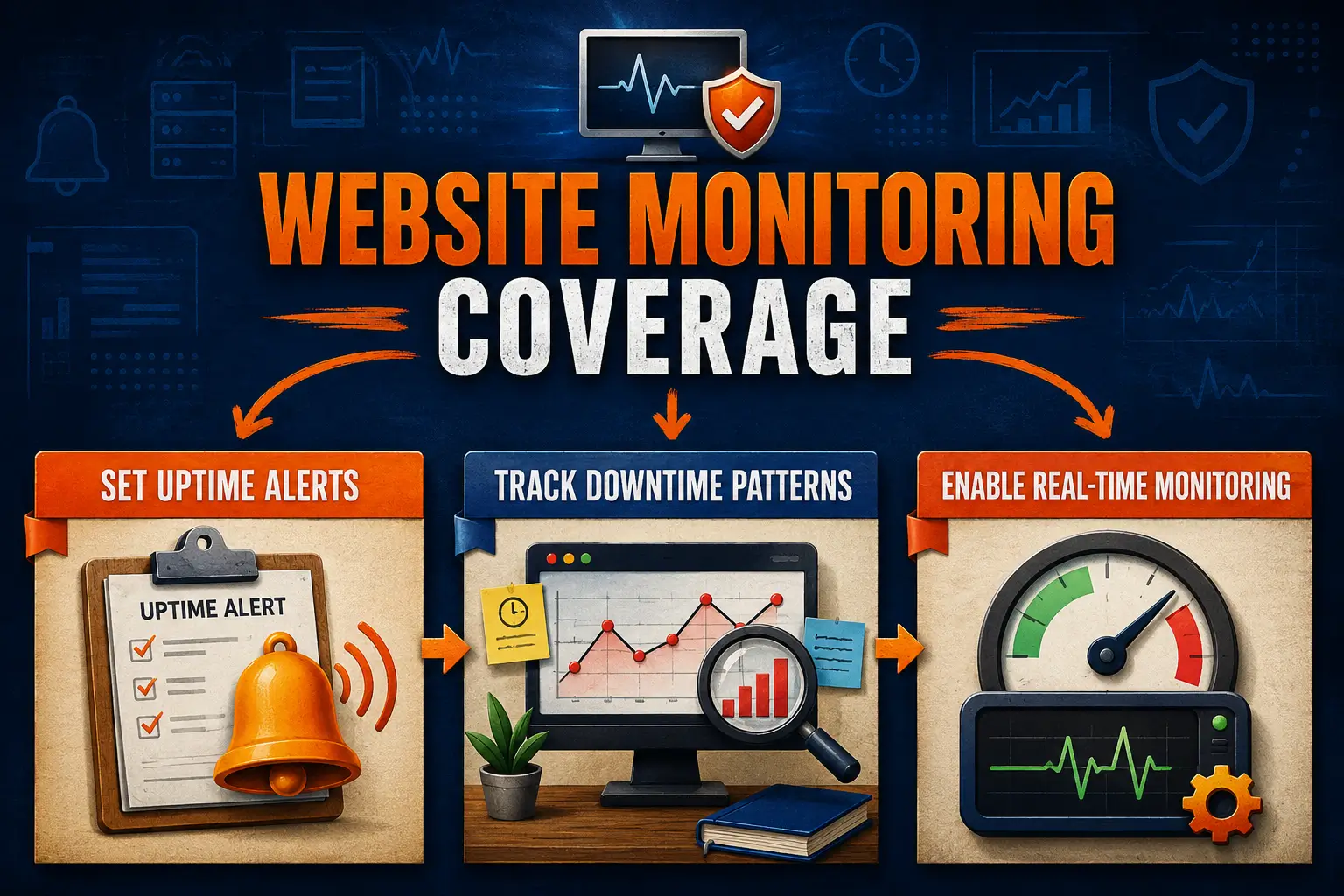
Your website launch checklist should include setup for dashboards, goals, and alerts. Track results frequently, watch uptime, speed, and forms, see where users drop, and fix issues fast. Early data guides choices and protects your first impression online.
A small team used Google Analytics integration to track sources and events. They set goals for forms and CTAs. A spike revealed a broken link. Alerts were fired, and traffic recovered within hours, not days.
Use reports to find slow pages and gaps. Heatmaps show exits. Run checks after updates. Build a sitemap to guide crawlers and users. Tie fixes to website quality assurance logs. These simple cycles reduce waste and lift results every week.
Keep one owner for data. Review tags after each release. Check goals, funnels, and alerts weekly and document changes. Keep your site security keys and backups connected to the same records used to get a website domain. These habits protect each launch and support steady growth.
Frequently Asked Questions
How does page speed optimization help a new site launch?
It helps new sites load fast and keep visitors engaged. Quick pages cut bounce rates, improve first impressions, and help search engines index content faster.
Why run an internal linking check before launch?
It exposes broken paths, deep pages, and orphans. Fixing links improves navigation, spreads authority, and helps crawlers find key pages. It lifts engagement and lowers exits.
What must a privacy policy page include at launch?
Explain what you collect, why, how long you keep it, and who gets access. Add contact details, consent options, and update dates. Keep the language clear and direct.
Why is website GDPR compliance vital from the onset?
It protects users and reduces legal risk. Clear consent, data logs, and removal workflows show care. Teams avoid fines, respond to requests faster, and maintain trust across regions.
How does schema validation support a new website?
Rich results can show sooner, improving visibility and clicks. Validating code before launch prevents errors that hide content and waste time later.
Why set up Google Analytics integration at launch?
You see traffic sources, user paths, and form events from day one. Early data reveals bugs and wins, so fixes ship fast, and campaigns focus on channels that perform.
Conclusion
Your website launch checklist brings order to the launch day. It aligns domain setup, tests, and legal steps. Clear owners and logs prevent mistakes, protect trust, and speed fixes. Proper preparation ensures a smooth visit for visitors.
Start with your domain name and hosting, then build a sitemap and test the pages on mobile devices. Confirm policies, consent, and tags. Track speed and goals from the beginning. Tight loops find issues and keep momentum after launch.
Need a Website Launch Checklist That Works?
Let The Strategic Tech guide your website launch checklist from start to finish. We review domains, sitemaps, and tags, delivering complete website quality assurance so every page, link, and feature runs smoothly. Request your launch checklist.