
This quick implementation guide gives you the fastest steps to apply the lessons from the full article. Use the three actions below to make immediate progress today.
Step 1 — Build Threat Prevention
What to do:
Use firewalls, file scanning, and ransomware protection to block harmful activity before it reaches your website.
Why it matters:
Early detection stops threats before they damage files, expose data, or interrupt important business services.
How to apply it today:
Enable a website firewall, scan uploaded files, and configure safe backups. Review alerts so your team can respond quickly when suspicious activity appears.
Step 2 — Secure Every Website Layer
What to do:
Protect logins, admin access, software, and user connections with strong settings and regular updates.
Why it matters:
Layered controls make it harder for attackers to exploit one weak point and reach sensitive website areas.
How to apply it today:
Use strong and unique passwords, enable multi-factor authentication, limit user permissions, and update your CMS, themes, and plugins. Require HTTPS across every page.
Step 3 — Monitor and Update Defenses
What to do:
Review website traffic, security alerts, and system reports regularly to find unusual activity and changing risks.
Why it matters:
Continuous monitoring helps teams spot new threats early and keep security controls effective as attack methods change.
How to apply it today:
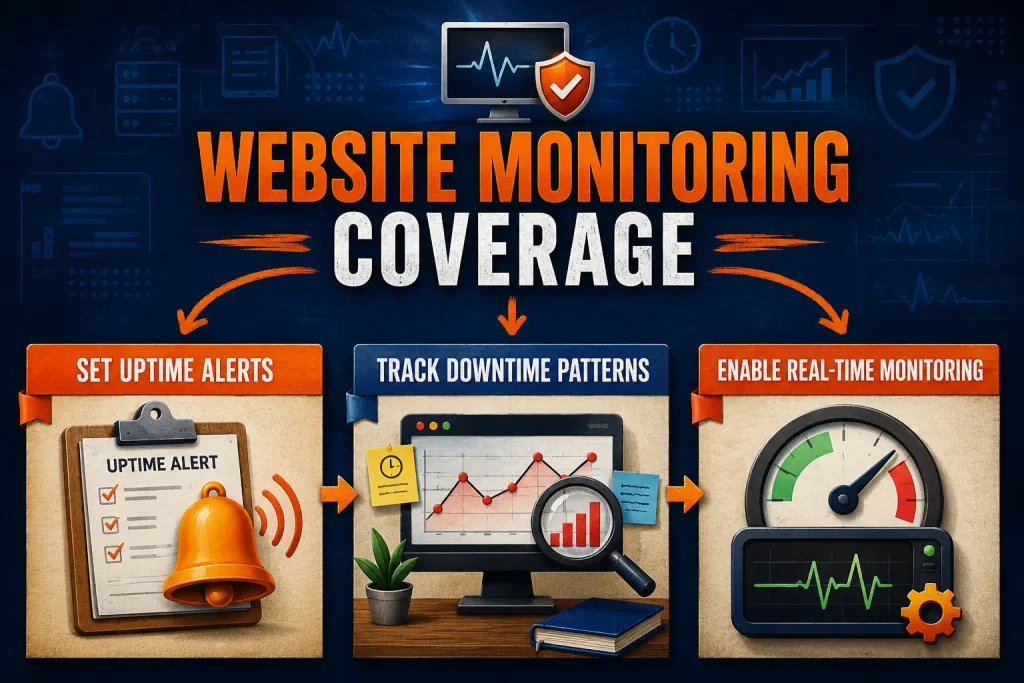
Set alerts for unusual activity, review traffic and access logs, and update security tools. Test backups regularly and assign someone to handle each warning.
Check One Result After Implementation
Check that firewall protection is active, website access is restricted, security alerts are monitored, and recent backups are available.
Record the results once, then check again after a suitable period and note any changes.